Know where
your money stands
Track what you hold, what you owe, and what you meant to spend — all on your device.
No account. No sign-up. Nothing shared with us.
What you hold
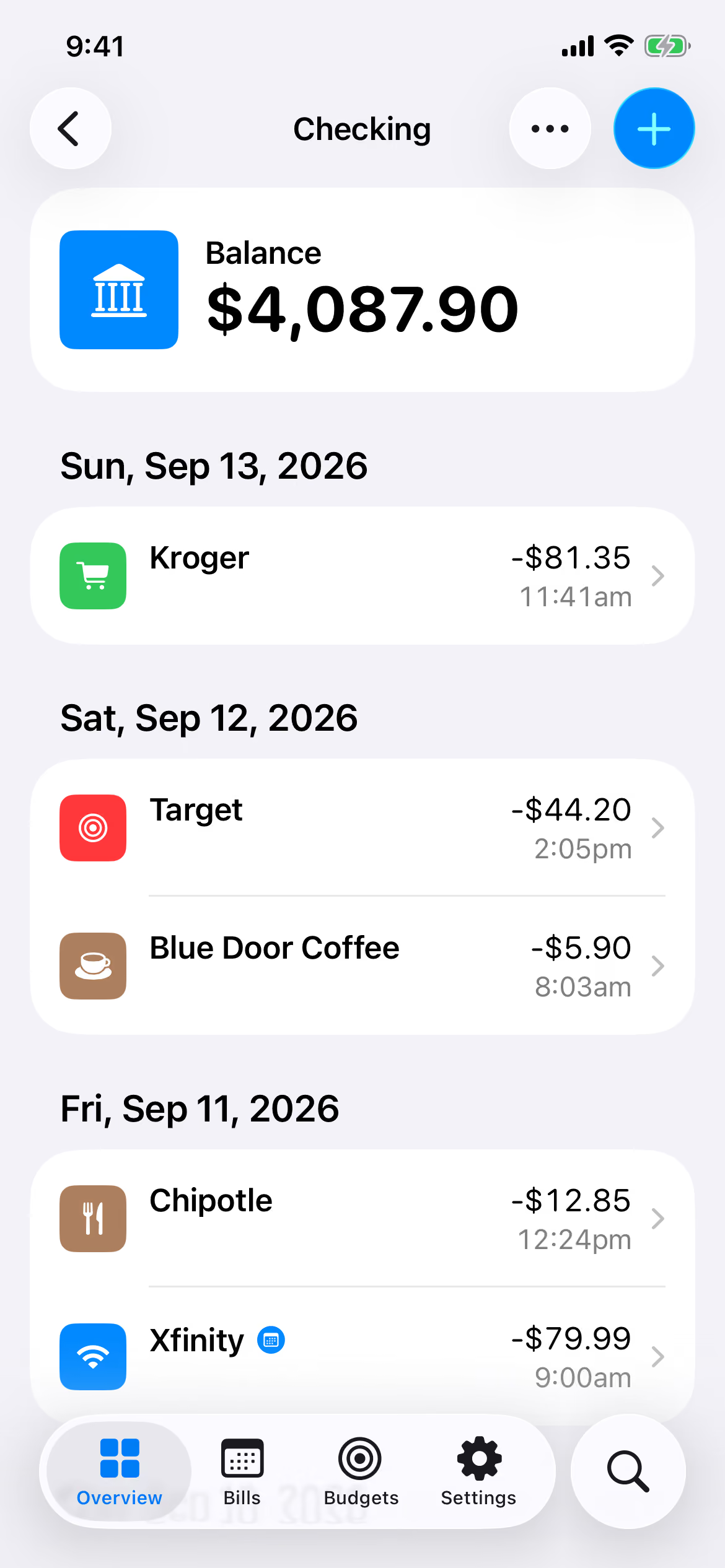
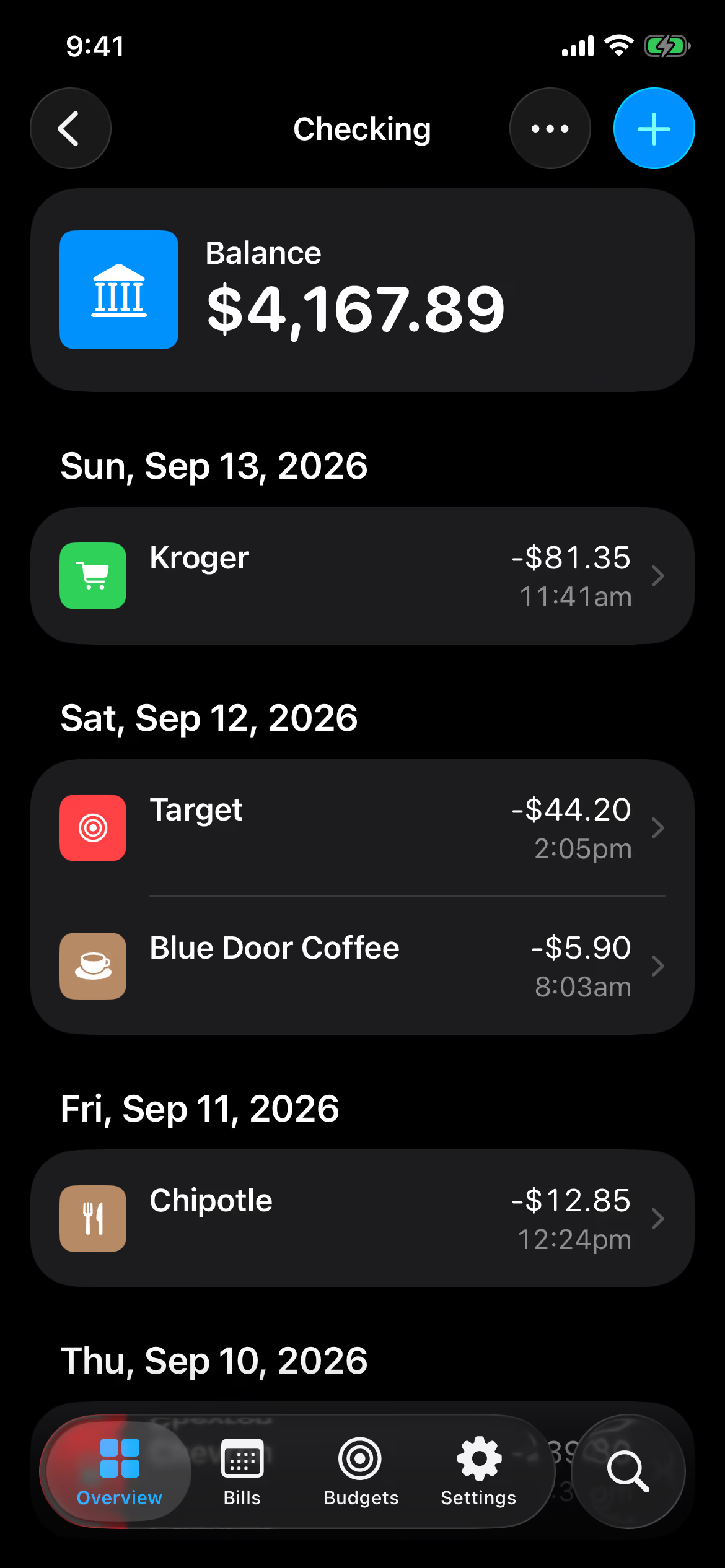
Every account and its running balance, kept honest by the transactions you record.
What you owe
Bills on a calendar, so what’s due — and what’s overdue — is the first thing you see.
What you meant to spend
Budgets measured from the entries you already keep. Nothing is entered twice.
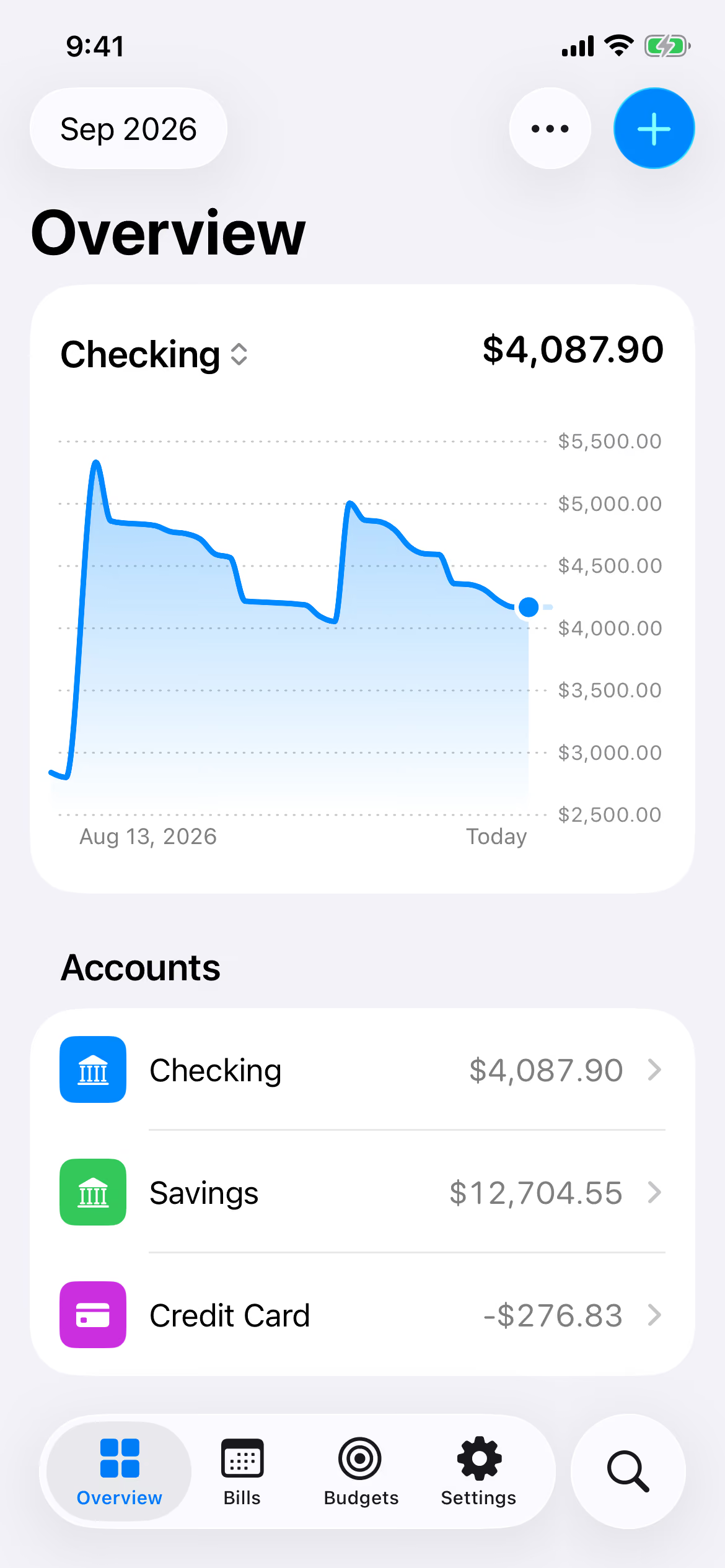
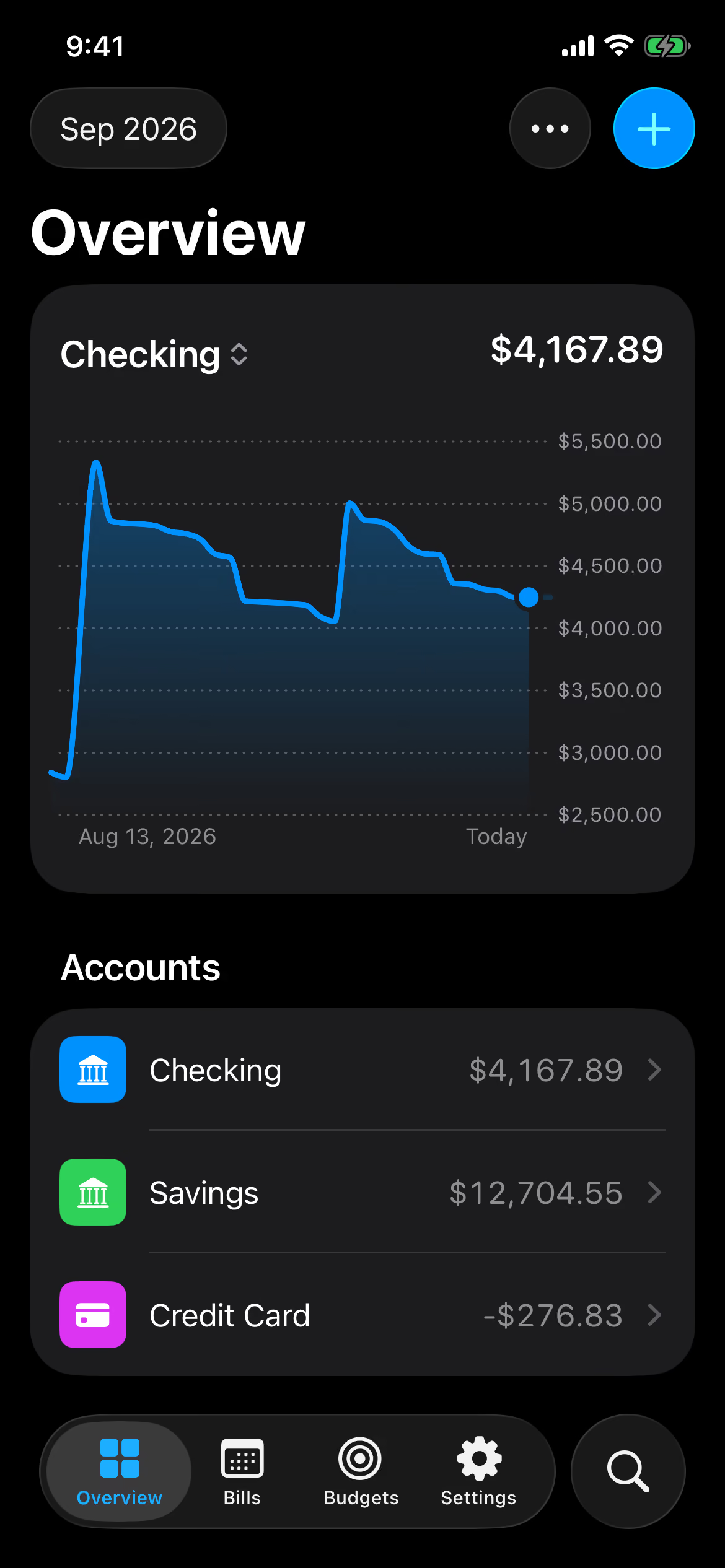
Every balance, at a glance
Give each account its starting balance once. From then on, Sundry keeps the running total from the expenses, income, and transfers you record — and charts how every balance has moved over any month, year, or range you choose.
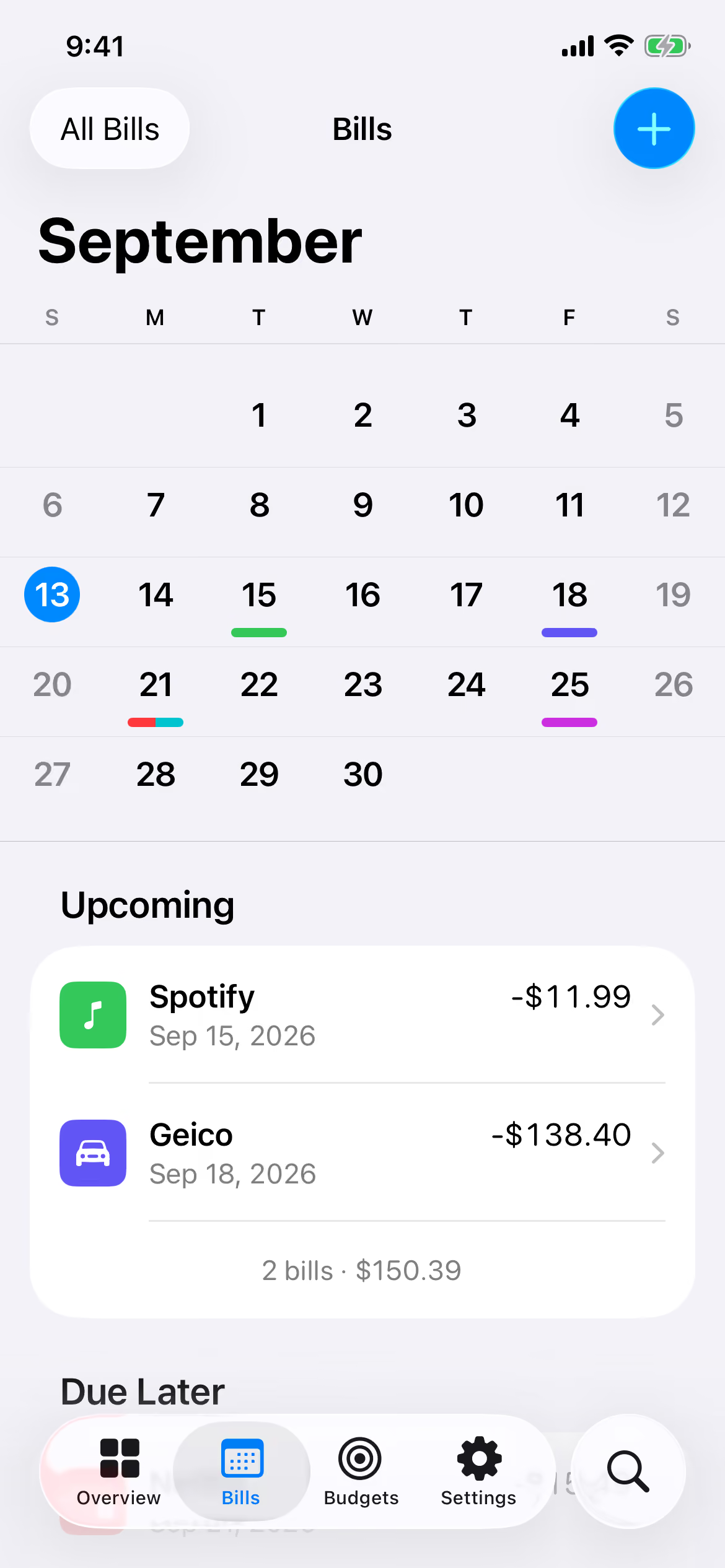
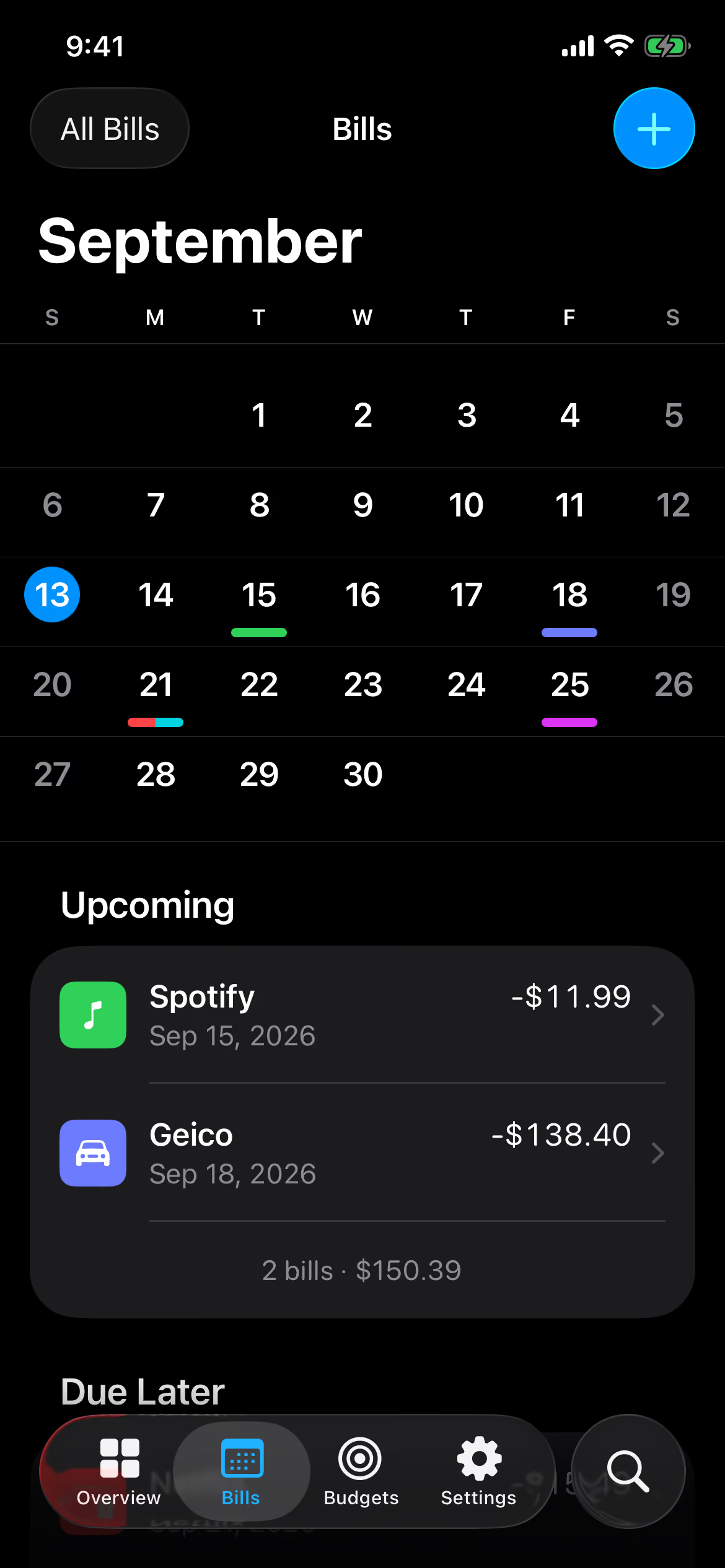
See what’s due before it’s due
Bills live on a month calendar, each due day marked in its payee’s color. Paying one posts a real transaction to a real account — so your balances and your bills can never drift apart.
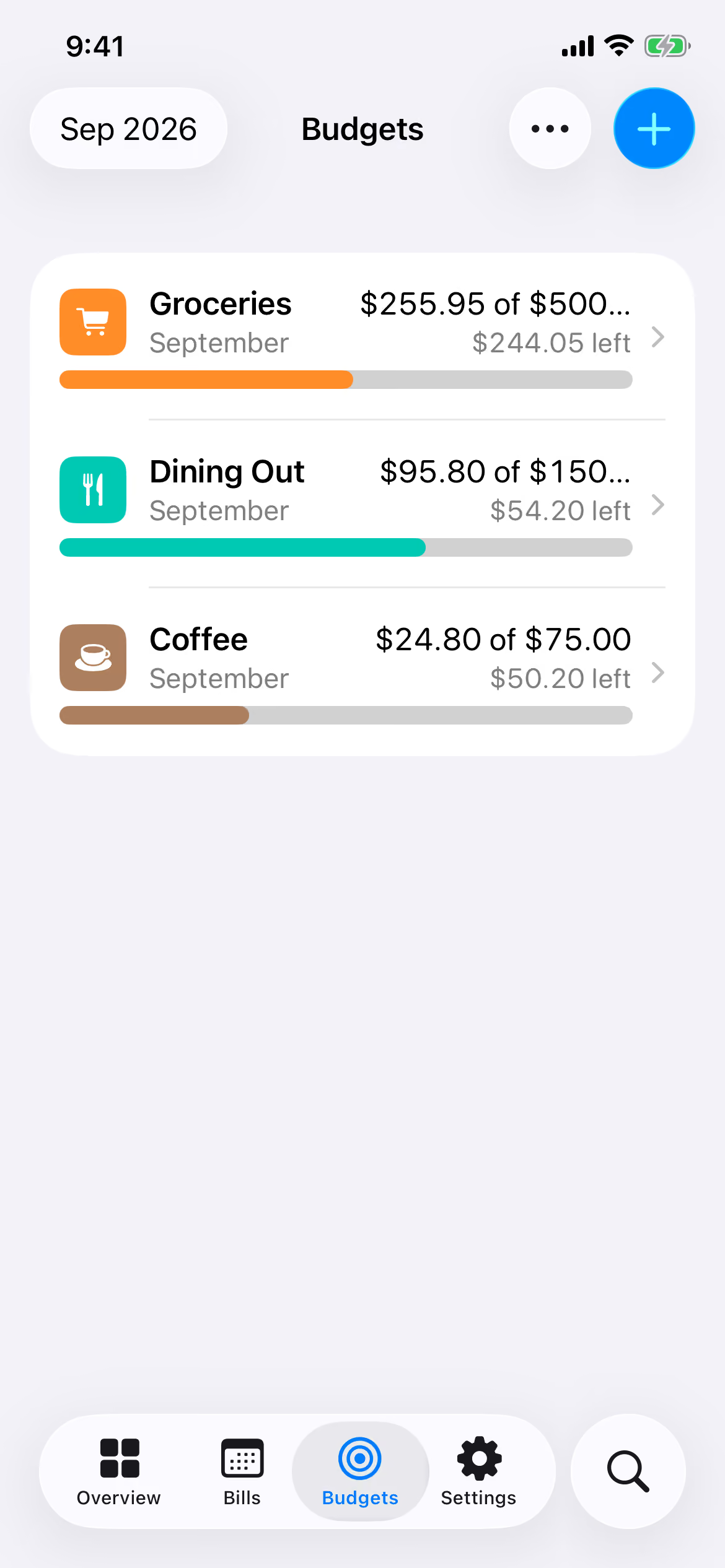
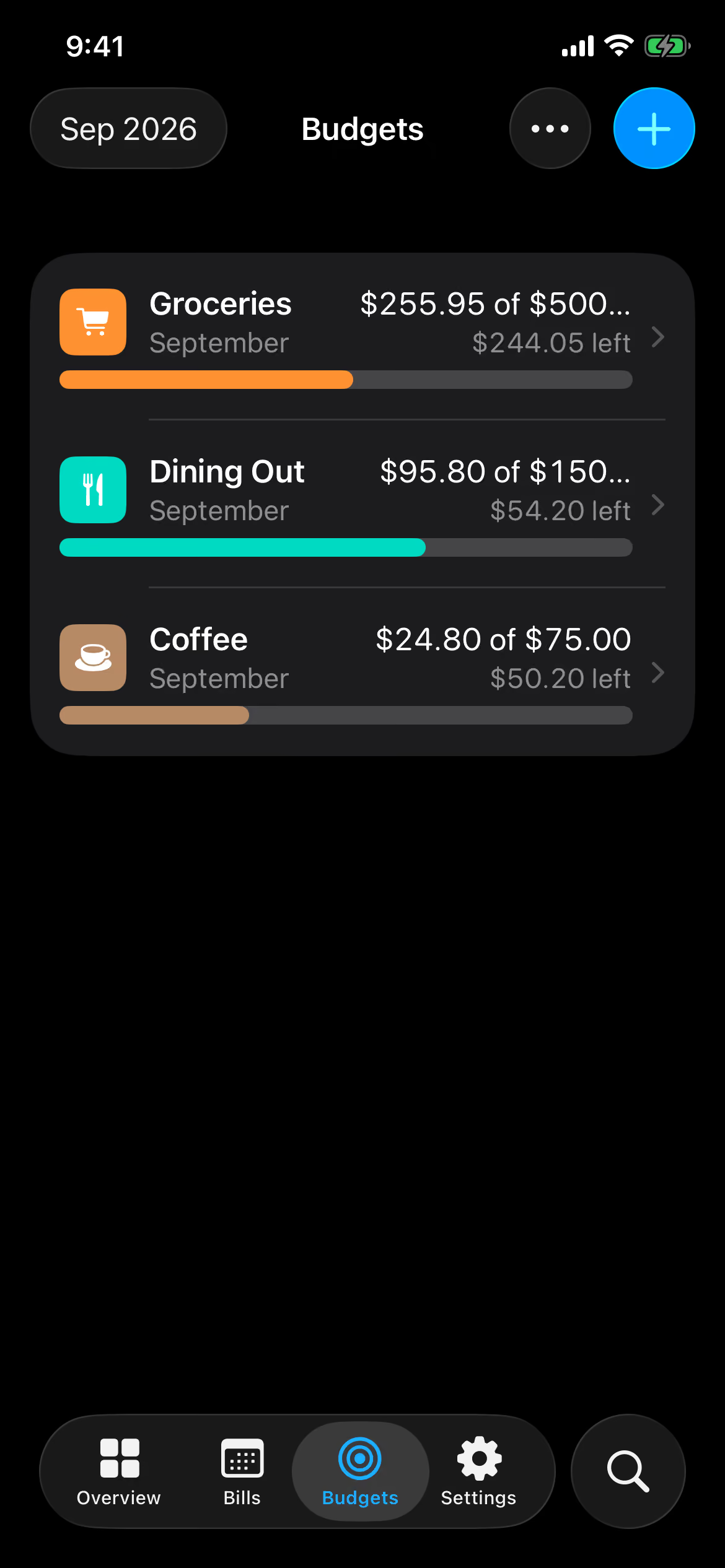
Budgets that measure themselves
A budget is an amount and the payees it covers. Sundry measures it from the transactions you already record — every figure can be traced back to the entries behind it.
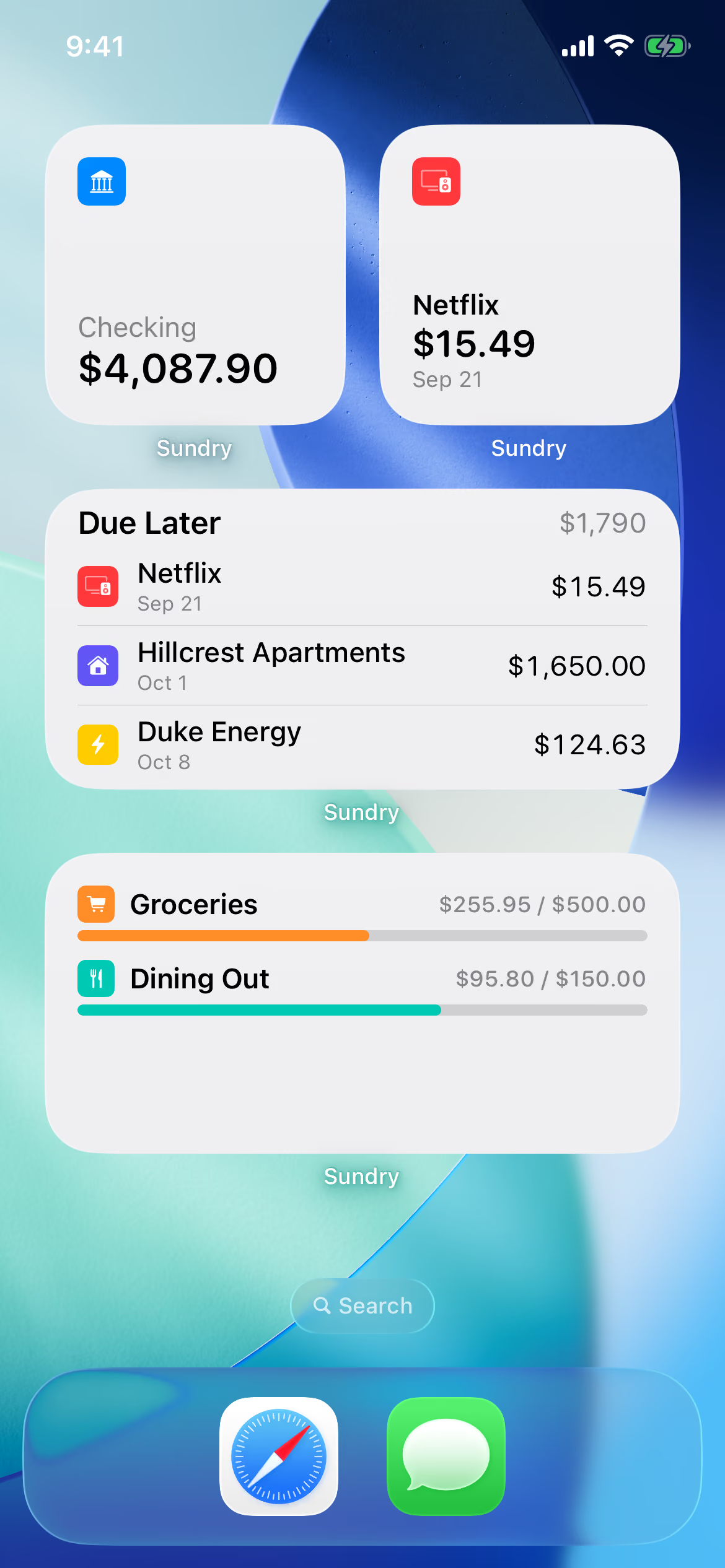
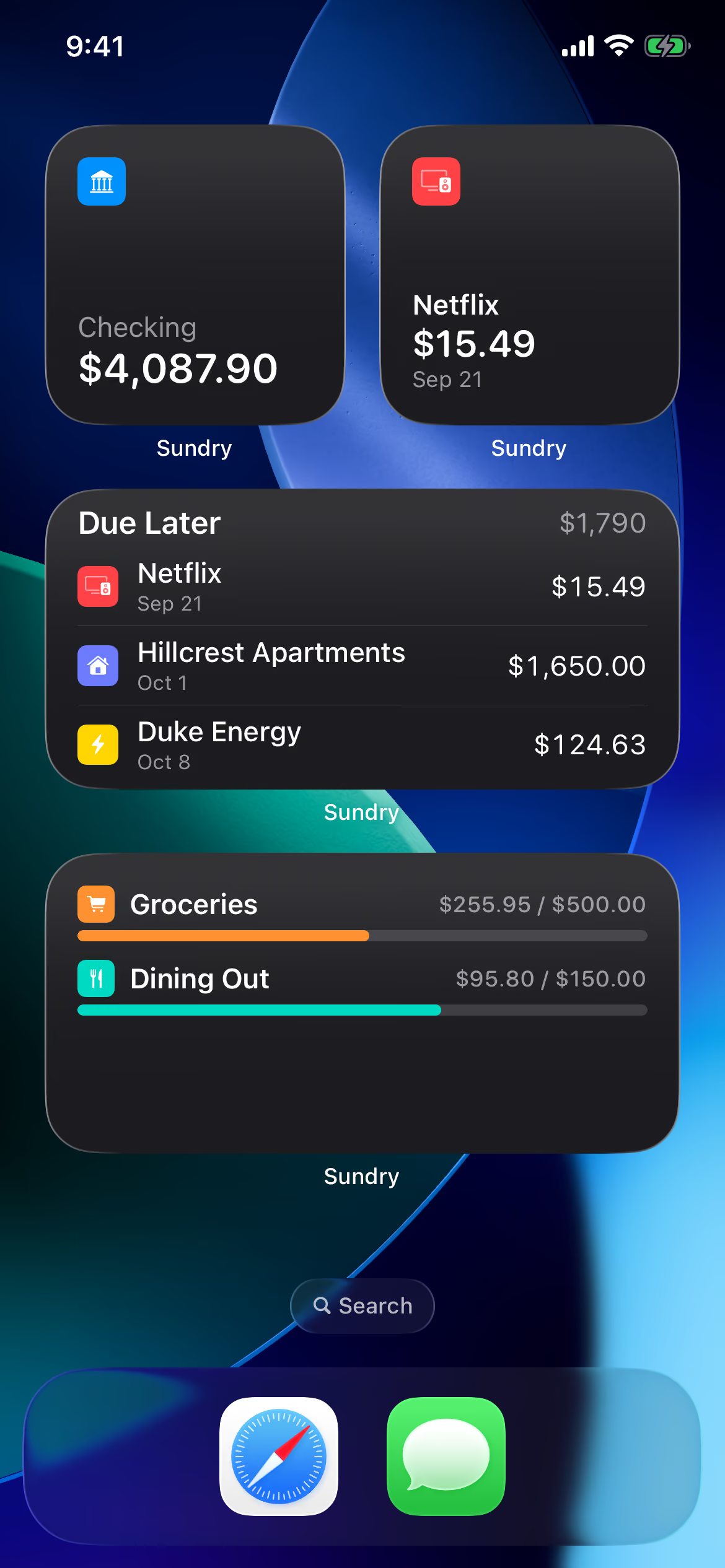
Glanceable, from anywhere
Five widgets for the Home Screen and Lock Screen: account balances, the next bill due, upcoming bills, and budget progress. Tap one and Sundry opens exactly where you were looking.
Yours alone
Everything stays with you — on your device, and in your own iCloud if you choose. No account, no sign-in, no analytics, no ads. Nothing of yours ever touches our servers, because we don’t have any.
Data Not Collected
That’s the App Store privacy label — Sundry collects nothing and ships no third-party SDKs. Anything you back up goes only to your own iCloud, never to us.
A backup you own
One readable file, written automatically every day — kept on your device, or in your own iCloud if you choose. Restorable whenever you need it.
Not on someone else’s server
Sundry is for people who want their financial picture to live in their own pocket. Full stop.
Also in Sundry
Search everything
One search across your whole ledger and every bill.
Make it yours
Mark accounts and payees with symbols, colors, or your own photos.
Tags
Tag bills and filter the calendar down to just what you’re after.
Apple Card import
Bring in Apple Card statements from a CSV export.
Quick actions
Long-press the icon to log an expense, income, or transfer.
Dark Mode
Full support for Dark Mode and Dynamic Type.
Payment history
Every bill payment links back to the transaction it posted.
Daily backups
Automatic from day one — the last ten always kept, on your device or in your iCloud.
Questions, answered
How much does Sundry cost?
Nothing — Sundry is free. Download it from the App Store; there’s no account to create and no ads.
When can I get it?
Now — Sundry is on the App Store. Tap Download on the App Store and you’re minutes from your first account.
Can I join the TestFlight beta?
Yes — the beta is where new features land first. Join through TestFlight to run pre-release builds ahead of the App Store and send feedback straight from the app. You can switch back to the App Store version whenever you like.
Where does my data live?
On your devices, and in your own private iCloud — nowhere else. Sundry has no server and no account of its own; its App Store privacy label is “Data Not Collected.”
Why is there no sign-in?
Because there’s nothing to sign into. Your data stays on your devices and in your own iCloud — never on servers of ours — so there’s no account to create, no password to manage, and nothing to breach.
Does Sundry sync between devices?
Yes — devices signed into the same iCloud stay in step automatically, through your own private iCloud. Sundry runs no sync service of its own, so your finances are never mirrored through servers of ours.
Does Sundry work on iPad?
Yes — Sundry runs on iPad too, with the same everything-stays-with-you design. Sign your iPhone and iPad into the same iCloud and they keep each other current.
What happens when I get a new iPhone?
Sign in to iCloud and everything comes down on its own. Prefer to do it by hand? Restore a backup file moved over with AirDrop or Files. Either way, everything comes back exactly as it was.
How do backups work?
Sundry writes a backup automatically once a day and keeps the last ten — on your device, and in your own iCloud if you turn that on. Each backup is a single readable file you can export and keep anywhere.
Can I import my Apple Card transactions?
Yes — export a statement as CSV from the Wallet app and bring it in with Sundry’s Apple Card import. It’s flagged as experimental, so give the result a once-over.
Sundry is on the App Store
Download it today — the first account takes about a minute.